
One of the most convenient ways to make a licensed copy of Microsoft's OS is to use the Windows 10 KMS Auto activator. Unlike other utilities, this program does not simply block the software license verification service and bluntly remove the activation function, but selects the correct key and replaces it when its service period ends. That is, KMS Auto does not modify system files, so it does not affect the OS operation in any way. The program needs to be used once – subsequent activation after 25 days will happen automatically.
For the utility to work correctly, it requires:
- .NET Framework 4.
- Windows 10 OS. It also works with Windows 8, 7 (x86, x64 bit).
- Administrator rights.
You can download the program itself for free from our website.
Installation
The installation process is simple – run the exe file and follow the installer prompts. If it's a Portable version, you don't need to install anything. Just double-click the exe file – the program launches.
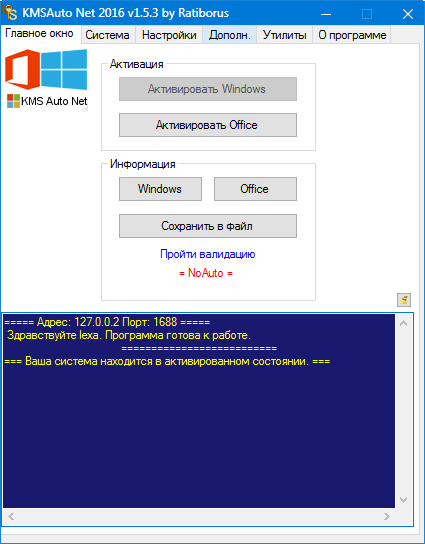
This is what the main working window looks like:
How to Use?
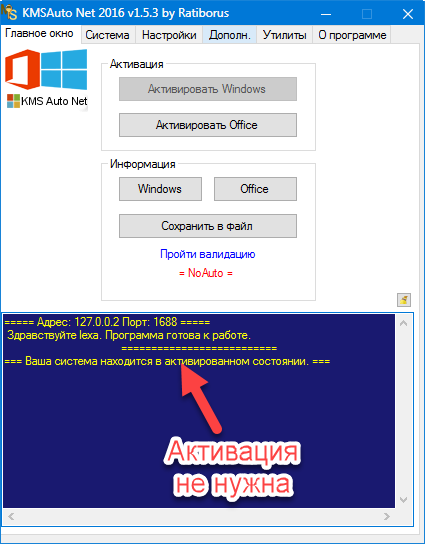
When the operating system starts, the program will indicate whether activation is required.
Most users have unlicensed copies of the software. In this case, the message will be as follows.
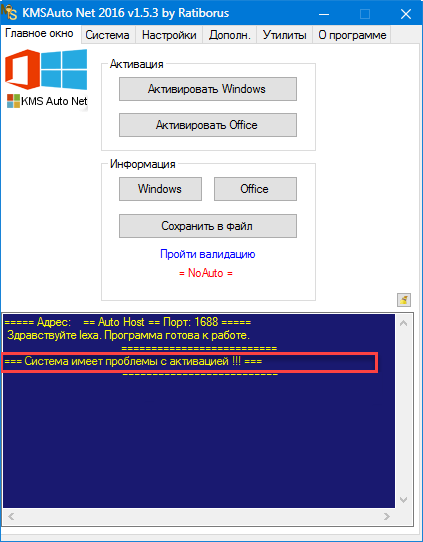
This means the copy requires a key. Click the "Activate Windows" button and wait.
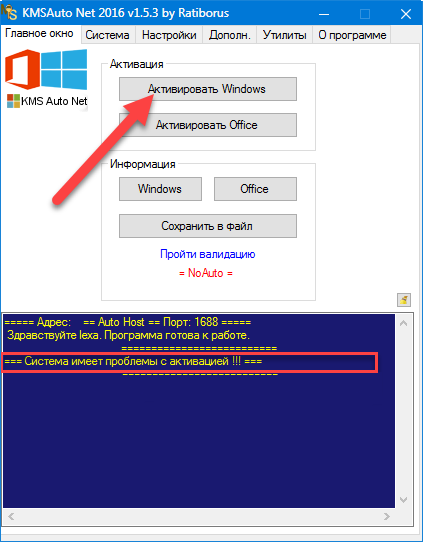
Simultaneously observe the execution in the blue window.
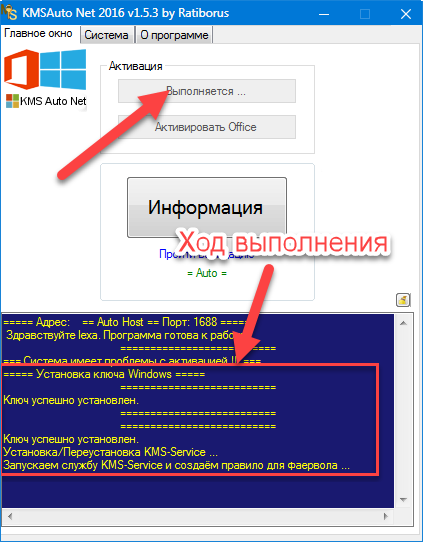
After 5-10 seconds, the process completes, and the Windows copy receives its key.
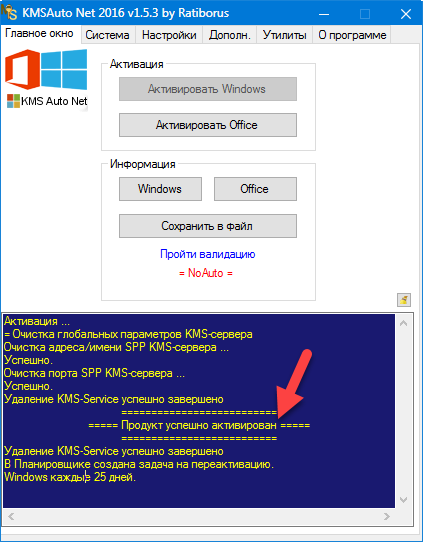
Please note that in automatic mode, a task for reactivation is created in the scheduler. This allows the program to independently enter a new key when the old one's period ends. Thus, KMS Auto can constantly activate Windows without disturbing the user, without affecting system files. This will not affect the correct operation of the system. This distinguishes the utility from others that simply "cut out" or block the license verification function.
Other Features
The licensing process does not always go smoothly. But what if Windows 10 does not activate using the standard method? In this case, you need to use a different mode, not automatic.
Go to the "System" tab.
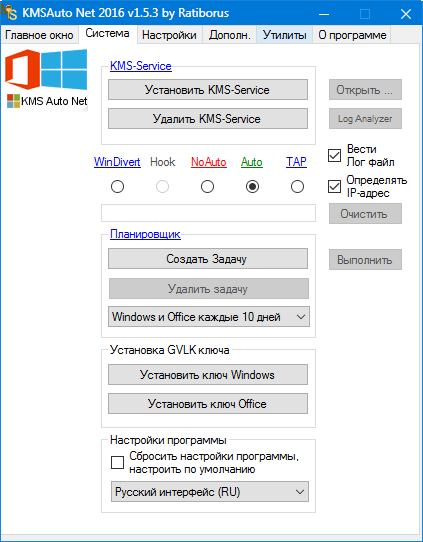
Here we see 5 modes that can be used during activation.
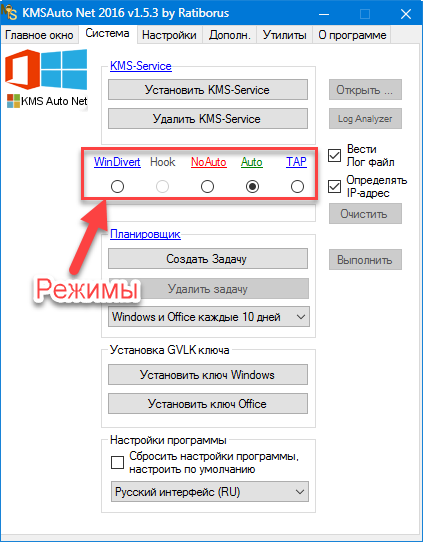
Each of them is suitable for a specific task. By default, the Auto type is set. When it's active, the system independently determines the correct activation method. You can also choose:
- WinDivert – a mode suitable for activating Windows 10 specifically. It should be used first if nothing works with Auto.
- Hook – in this mode, the program replaces the original system file at the moment of activation and then returns it. This will allow you to quickly get a key and license the system.
- NoAuto – a fully manual mode that, when configured correctly, can activate any version of Microsoft's OS, including the latest. Suitable for professionals for whom having a specific license key is important.
- TAP – when enabled, a TAP adapter is installed in the system – activation is performed through it. Suitable for activating Windows 10.
If you set the NoAuto mode, then in the "Settings" tab you need to generate ePIDs for Microsoft products – they will be used when installing keys.
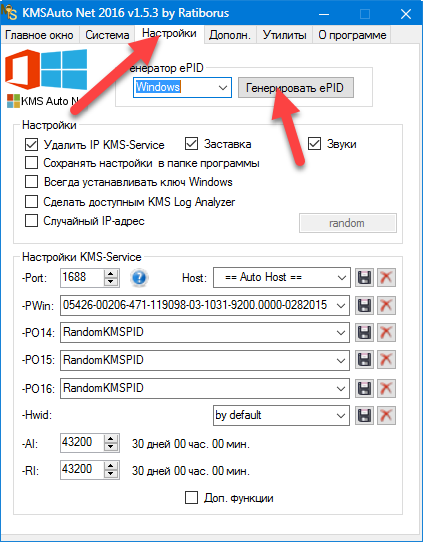
Manual mode can be used by professionals. Most users just need to run the application and click the "Activate Windows" button.
Download
You can download the program in Russian for free and without viruses directly from our website. We have a direct download link for the utility.
pass: 1111